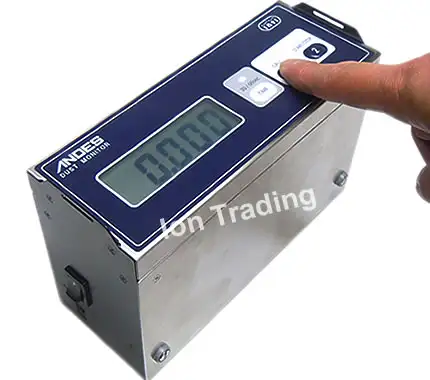
Push the "1" button. The CALI light turns on, calibration starts and 60 seconds are counted down. The CALI and START/STOP
lights blink after the calibration is completed. You can conduct calibration again before measurement starts.
4. Select the measurement time
Push the "TIME" button to switch the 30 <-> 60 second measurement mode. 30 is selected as a default. The button turns on/off when the 60/30 second mode is selected.
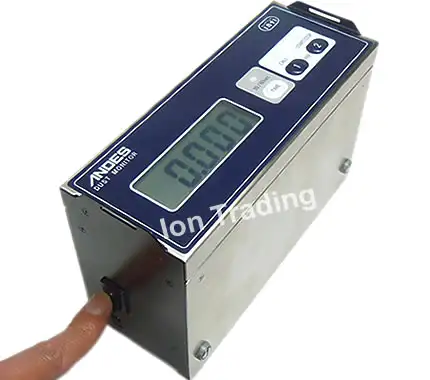
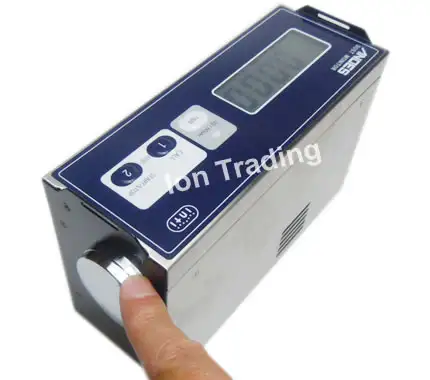
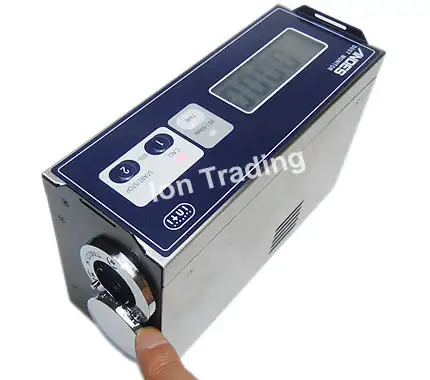
5. Open the dust-proof cover
6. Measurement
Push the "2" button. The START/STOP light turns on and measurement of the dust concentration level starts.
"0" shown on the LCD display moves from right to left during measurement.
7. Measurement completed
The CALI and START/STOP lights blink when the measurement is completed.
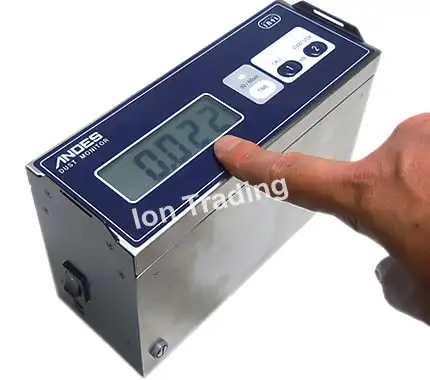
The dust monitor returns to the stand-by mode and the average dust concentration level (mg/m3) during the measurement is shown on the display.
The image below shows 0.022 (mg/m3).
Push the "2" button during measurement, the measurement is suspended, the average dust concentration level of the moment is shown and the dust monitor returns to the stand-by mode.
You can continue measurement or conduct calibration again after measurement is completed.





 Made in Japan


